🚀 How to Get Started in Coding — Real Quick!
Recently I discovered an exciting post from Amazon:
Build Games with Amazon Q CLIWhat is Amazon Q CLI?
It’s a developer tool that helps you quickly scaffold, build, and test applications (like games!) using natural language prompts — powered by AI.
As a tech educator, I thought: "How can I use this to complement education?" 🤔 One quick idea was to leverage this tool to rapidly generate interactive learning materials — like games — that I can use to teach both software development and ethical hacking at the same time.
I also wanted to challenge the AI — not just in Python, but in C. Let's see how far it can go.
💻 Setting Up
I'm on Ubuntu. I followed this official setup guide:
Install Amazon Q CLI (Ubuntu)🎮 Building a Game with C
I challenged Amazon Q to make a Flappy Bird clone — but in C. Why C? Because Python is too easy, and I wanted to see if an AI could handle a low-level language with graphical output.
The prompt I gave was super simple:
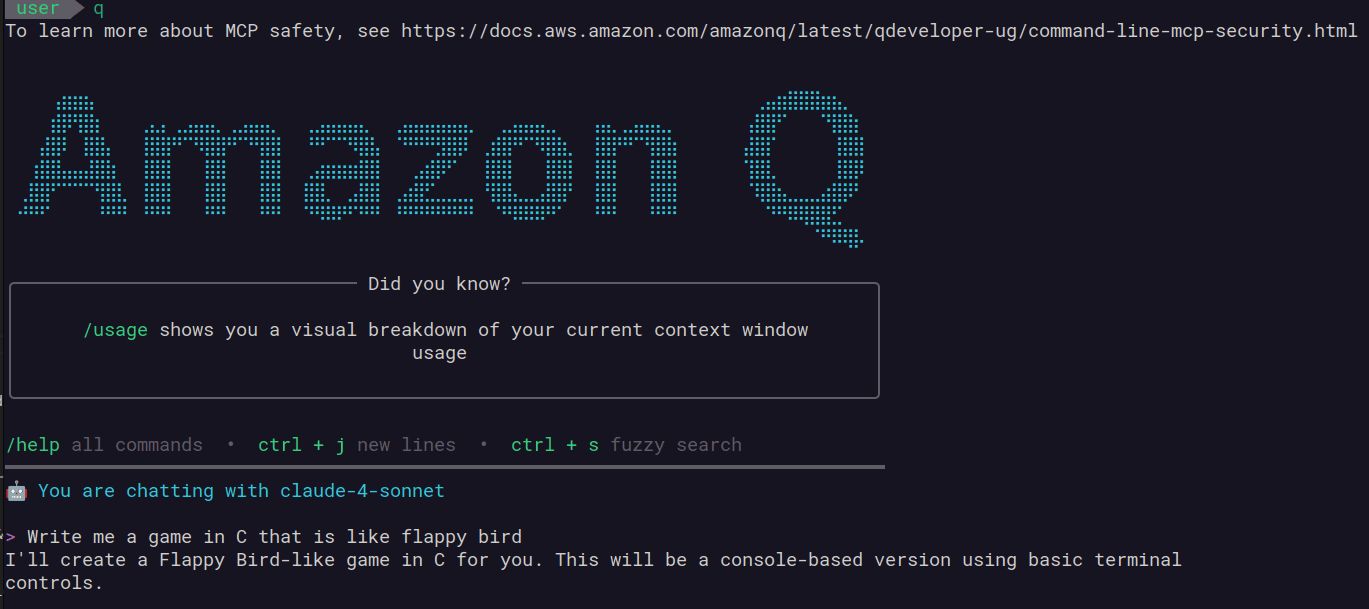
"Write me a game in C that is like flappy bird"
Initially, this prompt didn’t work. The AI gave a text-only version of the game. But once I added a simple follow-up — "I want it to be graphical" — it started pulling in graphical libraries and producing real output!
Amazon Q automatically pulled in the necessary dependencies like libsdl2-dev and scaffolded a working graphical prototype.
sudo apt update && sudo apt install -y libsdl2-dev libsdl2-ttf-dev
Simple bird + pipe overlay... and it runs!

Game over :(
Scroll down below if you want to see a video of the game!
🛠️ Takeaways
In the future, we’ve got to be more precise and clear when talking to LLMs.
Giving AI tools clear, well-defined instructions isn’t just a trick — it’s a real-world problem-solving skill. In fact, this is how we solve problems in reality too!
👨👩👧 How This Helps Kids Learn to Code
One thing that really impressed me is how clearly AI tools like Amazon Q explain classic programming problems. When I asked it to handle collision detection — one of the hardest parts in beginner game development — it not only generated the logic, but explained it too!
For example, detecting when the bird hits a pipe isn’t trivial. But Amazon Q broke it down using meaningful variable names and step-by-step reasoning. This makes it an excellent learning tool — even for kids!
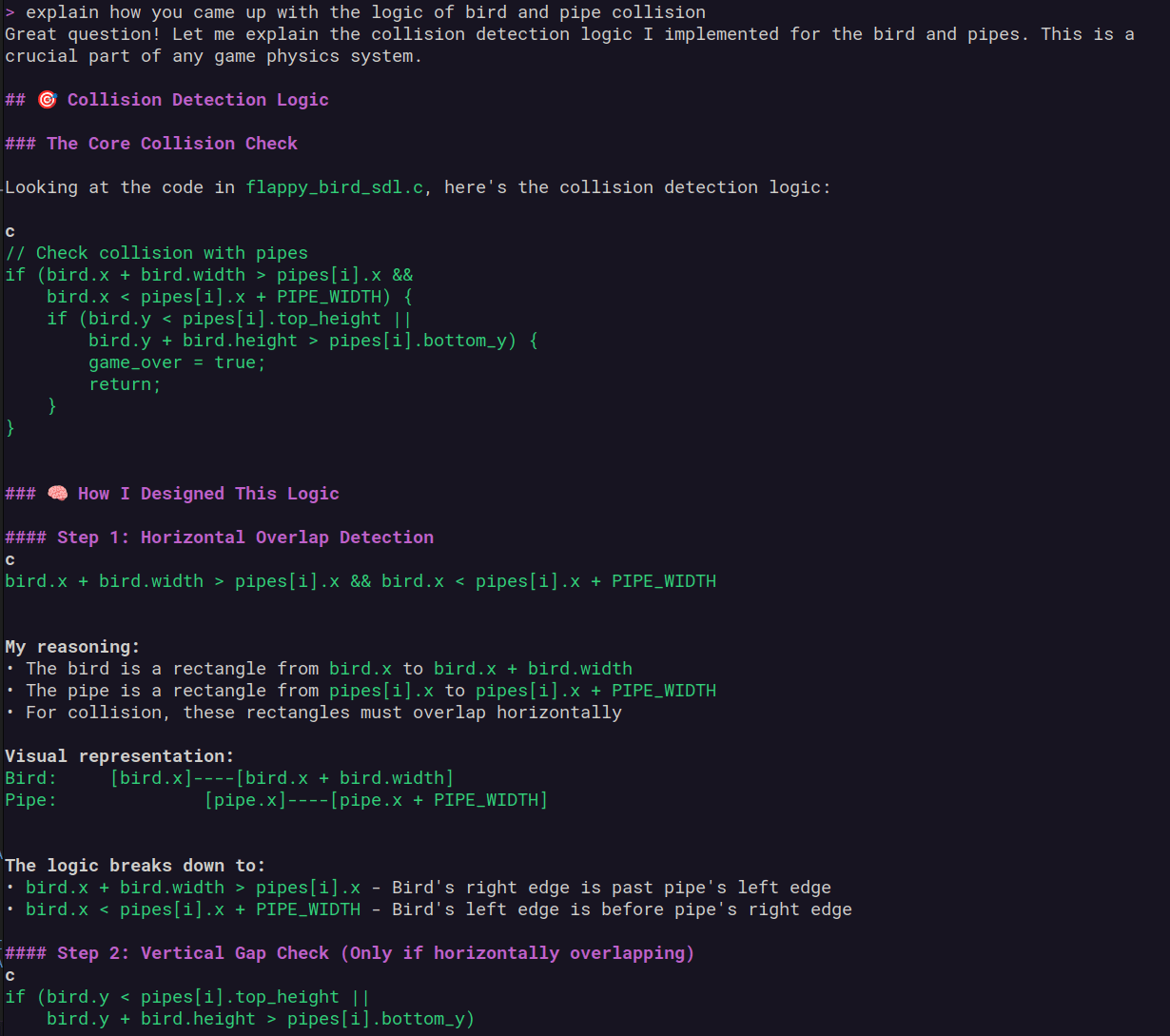
Prompting Amazon Q to explain game logic like collision detection
// AI-generated collision check
if ((bird.x + bird.width > pipe.x) &&
    (bird.x < pipe.x + pipe.width) &&
    ((bird.y < pipe.gapY) || (bird.y + bird.height > pipe.gapY + GAP_HEIGHT))) {
    // Collision detected!
    gameOver = true;
}
This kind of output — clean, well-named, and easy to read — is exactly what we want beginners to see. It shows how to structure a solution and why it works. Looking at these examples and then trying to write your own is a great way to learn.
📦 Making It Portable
For future teaching use, I wanted this game to run anywhere. So I asked Amazon Q to:
- Cross-compile it for Windows
- Wrap it in a Dockerfile
It delivered both!
Now, I can double-click the Windows executable — no setup needed. And I have a Docker-based environment to recompile any time.
🧠 Final Thoughts
I’m genuinely impressed by how easy AI tools like Amazon Q make development.
With such low barriers, anyone can start building and learning — fast.
- ⚙️ Using code to help with school projects — like making quizzes or science simulations
- 📊 Visualizing data from sensors, school experiments, or even your own spending habits
- 🔐 Understanding cybersecurity and how to stay safe online
This experiment has already sparked ideas for more content and hands-on activities.
Stay tuned for the next blog where I’ll reverse engineer this game and crack it open 🔓😉
📁 Final Output
Once everything was done, I packaged the entire project — source code, compiled binaries, assets, and instructions — into a portable zip archive. This makes it easy for anyone to download and try it out without needing to set up a development environment.
I also recorded a quick gameplay video so you can see what the final result looks like in action:
Gameplay demo — it’s simple, but satisfying!
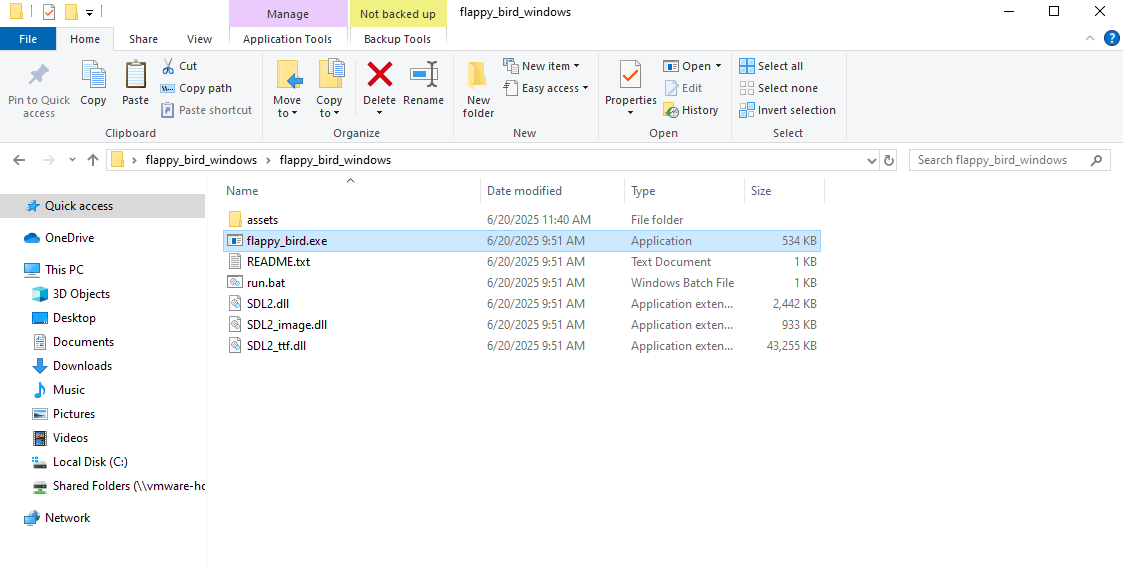
A full build with binaries, source, and README included.